Buy iOS Developer Account in 2026: What You Need to Know Before Buying
If you are searching for “buy iOS Developer Account”, you probably have a clear goal: launch an iPhone or iPad app, test it with real users, or manage apps for a business. The right Apple Developer Program membership can support all three. But choosing an account is more than paying a fee and receiving login details. You need to understand enrollment, identity checks, app ownership, team access, renewal, and Apple’s rules about sharing or transferring accounts.
This 2026 buyer’s guide explains the official options, what different services may offer, and the questions you should ask before spending money. Whether you are a solo developer, startup founder, agency, or established company, the goal is to help you choose a publishing setup you can maintain and control over time.
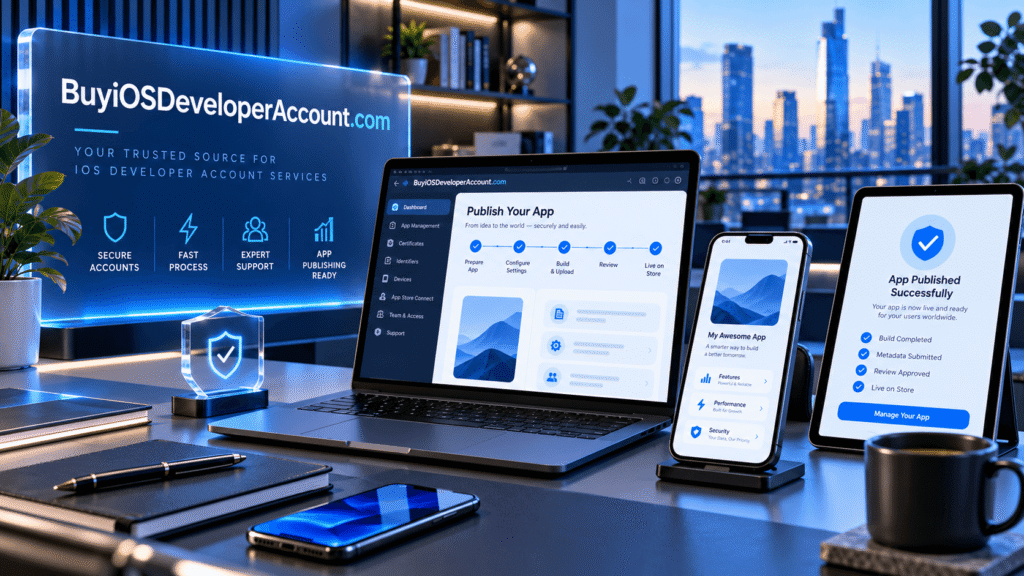
Quick answer: An Apple Developer Program membership normally costs US$99 per membership year, or a local-currency equivalent where available. You can enroll as an individual or an eligible organization. Paying a third party for enrollment guidance is different from buying another person’s developer account or credentials; Apple’s license agreement restricts unauthorized account access and resale.
What Is an iOS Developer Account?
“iOS Developer Account” is a common search term for an account associated with the Apple Developer Program. The program gives eligible developers access to resources used to build, test, manage, and distribute apps on Apple platforms. It is not a separate product named “iOS Developer Account” sold independently by Apple.
Developers use Xcode to build applications and App Store Connect to manage their app listings, versions, TestFlight beta testing, app information, agreements, and—in relevant cases—financial details. The program also includes capabilities and distribution tools that are not available with a free Apple Account alone.
You can learn Swift, work with Xcode, and perform some testing without purchasing a paid membership. However, if your goal is to distribute an app through the public App Store, membership in the appropriate Apple program is generally part of the publishing process. App approval is a separate review decision, so membership does not guarantee that every app will be accepted.
Why developers search for “Buy iOS Developer Account”
People using this phrase often have different needs. A freelancer may want to publish a first app under a personal name. A startup may need the business’s legal name shown as the App Store seller. An agency may need access to a customer’s existing developer team, while a founder acquiring an app may need Apple’s official app-transfer process.
Those situations require different solutions. Before comparing prices, identify who should legally own the membership, who must control the Account Holder role, and which entity should appear as the seller of the app.
Why Do You Need an Apple Developer Program Membership?
A paid membership supports several important stages of an app’s life cycle. It is useful beyond the day your first version launches.
- App Store distribution: Submit eligible apps for review and potential publication on Apple’s App Store.
- TestFlight testing: Invite testers to try prerelease builds before a public release.
- App Store Connect: Manage descriptions, screenshots, build versions, release information, and performance reporting.
- Development capabilities: Use supported signing, provisioning, and distribution features for your projects.
- Team workflows: Give appropriately authorized collaborators specific access based on their responsibilities.
- Ongoing maintenance: Submit fixes, update compatibility, and continue managing published apps.
These tools are valuable only when the membership is correctly set up and remains in good standing. An account that is inaccessible, associated with the wrong legal owner, or difficult to renew can become a serious business problem.
Individual vs Organization: Which Account Should You Choose?
One of the most important decisions before you buy iOS Developer Account-related services is whether you actually need an individual membership or an organization membership. Apple’s official enrollment categories matter because they affect the seller identity and team structure.
Individual membership
An individual membership is designed for a person, including a sole proprietor or single-person business where eligible. Apps distributed under this membership generally show the individual’s legal name as the seller. It can be a suitable choice for independent developers, students who are ready to publish, consultants, and hobbyists building a real product.
The applicant uses their own Apple Account and supplies accurate personal information. Apple may require identity verification, and two-factor authentication is an important part of the process. A personal membership should not be treated as a disposable login that can be passed to an unrelated buyer.
Organization membership
An organization membership is for eligible legal entities such as registered companies. The organization, rather than a private individual, is shown as the App Store seller. This can be beneficial for brand consistency, business continuity, and collaboration among developers, designers, and release managers.
Apple requires business details during enrollment, including the legal entity’s name and generally a D-U-N-S Number, with specific exceptions such as government organizations. The person enrolling must have authority to bind the business to Apple’s agreements. A functional company website and domain-associated work email are also part of Apple’s stated requirements.
Comparison at a glance
| Question | Individual | Organization |
|---|---|---|
| Who is the App Store seller? | The person’s legal name | The organization’s legal entity name |
| Best suited to | Solo developers and eligible sole proprietors | Registered businesses and larger teams |
| Enrollment information | Personal and identity information | Legal entity, authority, and business verification |
| Team management | App Store Connect user access with limitations | Developer team membership and role-based access |
| Annual program fee | Usually US$99 or local equivalent | Usually US$99 or local equivalent |
A company account is not automatically better. Choose it when you have a qualifying legal entity and want apps owned and published under that entity. If you have not created a company, do not assume that purchasing access to a stranger’s company membership gives you legitimate control of that company or its apps.
How Much Does an iOS Developer Account Cost in 2026?
Apple lists the standard Apple Developer Program fee at US$99 per membership year, with local-currency pricing where available. Qualifying nonprofit organizations, accredited educational institutions, and government entities may be eligible for a membership fee waiver. The separate Enterprise Program is not a substitute for ordinary App Store publishing and has different eligibility and pricing.
Why, then, do online searches show significantly higher prices? Sometimes a third-party provider charges for consultation, documentation preparation, assistance understanding enrollment, or app publishing support. Other offers may involve access to an account already created by someone else. These are not equivalent products and should not be described as though they are.
When evaluating any offer, ask for an itemized explanation of what the fee covers. Is the Apple membership fee included? Is the service guidance-only, or does it include technical assistance? Is a genuine legal entity involved? Who controls the email address, two-factor authentication, renewal method, and account agreements? Are there additional charges in later years?
The lowest advertised price is not necessarily the best value, but a high price is not proof of legitimacy, either. Clear ownership and predictable long-term access are more important than a dramatic discount or a promise of instant delivery.
Can You Buy an Existing iOS Developer Account?
This question deserves a careful answer. Official enrollment and purchasing someone else’s Apple Developer account are not the same process. Apple’s Developer Program License Agreement restricts sharing, selling, reselling, renting, leasing, lending, or otherwise granting unauthorized access to developer accounts and related services. As a result, an online offer to hand over an existing account’s email address and password can create contractual and security risks.
There is also a crucial distinction between transferring the Account Holder role and transferring a published app. Apple allows eligible organization Account Holders to transfer that role to another authorized employee with legal authority. Transfers for individual memberships are exceptionally limited and require Apple’s assistance. Neither process should be confused with freely reselling a personal membership to an unrelated customer.
If you are buying an app business, Apple provides an official app transfer workflow through App Store Connect when the app meets the applicable criteria. That process moves ownership of an eligible app between developer accounts; it does not mean the buyer must acquire the seller’s personal login credentials.
For most new projects, the clearest route is to enroll using your own identity or your company’s legal information. If you need external help, look for a service that supports a process permitted by Apple while leaving account control with the proper Account Holder.
Eight Questions to Ask Before Paying a Third-Party Provider
If a provider offers iOS developer account services, use this checklist to compare the terms before placing an order.
1. Who is the legal Account Holder?
Ask whether the membership will be enrolled in your name or your company’s name. A provider should explain the exact arrangement without vague phrases such as “full ownership guaranteed.”
2. Who controls two-factor authentication?
Two-factor authentication protects an Apple Account. You should understand who owns the trusted devices and trusted phone number, and whether the arrangement requires you to share sensitive credentials.
3. Is the offer permitted under Apple’s current agreement?
Ask for a description of how the account is created, accessed, and managed. Compare that description with Apple’s official license terms. Do not rely solely on a sales claim that a method is “100% safe.”
4. What is included in the advertised price?
Request a clear breakdown of the Apple membership fee, setup assistance, documentation support, training, and any recurring payments. Confirm which items are optional.
5. What verification will Apple require?
Apple can request accurate identity and business information. No legitimate provider can guarantee that Apple will skip its review or approve a particular application.
6. Who can submit and update apps?
Learn about the Account Holder, Admin, App Manager, and Developer roles. Many tasks can be delegated using role-based permissions instead of transferring login credentials.
7. What happens at renewal time?
Understand who pays the next annual membership fee, who receives renewal notices, and who is able to resolve account issues with Apple Developer Support.
8. What support is available after enrollment?
Find out whether the service includes help with App Store Connect, certificates, TestFlight, app metadata, and publishing questions. Support scope should be described in writing rather than assumed.
A provider that answers these questions clearly is easier to evaluate than one selling only speed, secrecy, or a supposed shortcut around Apple’s requirements.
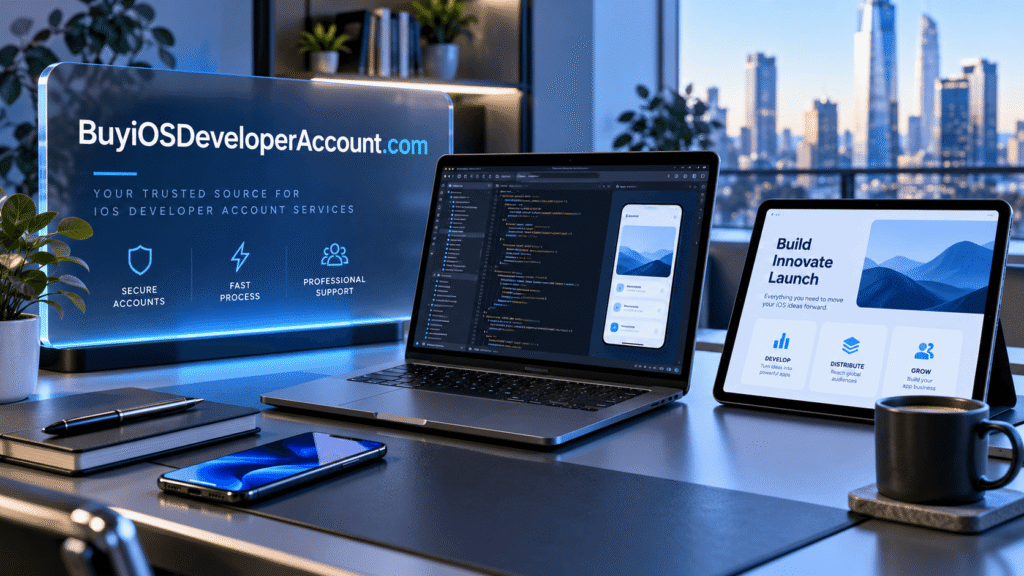
How to Enroll in the Apple Developer Program: Step by Step
For developers who want an account in their own name or their own company’s name, Apple’s official enrollment path is the most straightforward starting point.
Step 1: Choose the appropriate membership type
Decide whether the seller should be you personally or your registered organization. If you are still forming a company, consider whether to complete business registration before applying for an organization membership.
Step 2: Prepare your Apple Account
Use an Apple Account you control, with accurate contact details and two-factor authentication enabled. Keep your recovery details current. Avoid relying on a shared inbox or devices owned by an unrelated seller.
Step 3: Gather your details
Individual applicants should prepare legal personal information and any identification requested. Organizations should prepare their legal entity name, business website, associated work email, D-U-N-S Number when required, and evidence of signing authority.
Step 4: Begin enrollment through Apple
Follow the official Apple Developer enrollment instructions on the website or, where supported, in the Apple Developer app. Review the program agreement before accepting it, and provide truthful information throughout the process.
Step 5: Complete verification and pay
Apple determines whether additional checks are needed. Once enrollment is approved or ready for purchase, pay the required fee using an accepted method. The exact screens and payment options can differ by location and enrollment method.
Step 6: Configure your publishing environment
After membership activation, open App Store Connect, review agreements, configure the users who need access, and prepare your app’s listing information. Build and test your app, then submit it for App Review when it is ready.
There is no universal approval time. Accurate information, a valid legal entity when applicable, and prompt responses to verification requests can reduce preventable delays, but they cannot eliminate Apple’s review process.
What Is a D-U-N-S Number, and When Do You Need One?
A D-U-N-S Number is a nine-digit identifier used to help verify a legal business entity. Apple ordinarily requires it for organization enrollment, although some exceptions apply. It is associated with the company, not simply with the person who purchases a setup service.
Before applying, check whether your business already has a D-U-N-S Number. Make sure the registered legal name and address are consistent with the information your organization submits to Apple. If the details do not match, verification can take longer while records are updated or clarified.
Do not use another unrelated organization’s number to try to appear eligible. If your business is new, follow Apple’s current directions for requesting a number. Apple indicates the D-U-N-S lookup and request process is available without charge in most jurisdictions. A service provider can help explain the paperwork, but cannot replace the legal entity requirement.
How Account Ownership Affects App Store Publishing
Publishing an app creates an ongoing relationship among the legal seller, Apple, the development team, and users who download the application. The Account Holder is responsible for accepting program agreements and managing membership obligations. Team members receive permissions for specific tasks, but they do not automatically become the legal owner.
This distinction becomes especially important when a business hires an agency. An agency may build and maintain the app, yet the client may reasonably want the app listed under the client’s own legal entity. In that case, the client should consider establishing an appropriate membership and granting the agency authorized team access.
For acquisitions, mergers, and product handovers, plan app ownership early. Apple’s official app transfer workflow can preserve eligible apps’ availability, ratings, and reviews, subject to transfer requirements. Some associated services, entitlements, or configurations may need special attention, so technical due diligence matters before agreeing to a sale.
How to Keep Your Developer Membership Secure
Security is part of long-term account value. Even a properly enrolled membership can become difficult to operate when too many people share a password or nobody knows who controls its trusted devices.
Start by keeping credentials private and using unique passwords. Enable two-factor authentication and make sure the Account Holder can access trusted verification methods. Invite colleagues through the official Users and Access interface rather than giving everyone the same login. Assign the least privilege required for each task and remove access when contractors leave.
Keep business records, legal names, payment details, and contact email addresses current. Review certificates, API keys, and team permissions periodically. Store app source code and signing information using responsible access controls. Finally, watch for phishing messages that claim an urgent account suspension or ask for verification codes.
These steps may seem administrative, but they protect app update continuity, release schedules, and your reputation with users.
Common Mistakes to Avoid When Looking for an iOS Developer Account
A few recurring misunderstandings can cost new developers time and money.
Mistake 1: Assuming paying a seller guarantees App Store approval. Apple reviews submitted apps against its guidelines. Account membership alone is not an approval certificate for your software.
Mistake 2: Confusing a verified email address with legitimate membership ownership. Access to an inbox does not establish that Apple recognizes you or your company as the correct Account Holder.
Mistake 3: Choosing an organization account without a legal organization. The seller name and enrollment requirements depend on a real qualifying entity, not a marketing label.
Mistake 4: Ignoring annual renewals. A one-time setup service and a recurring Apple membership fee are different expenses. Budget for future renewals and support.
Mistake 5: Giving contractors unrestricted account access. App Store Connect supports role-based delegation. Use the official controls whenever possible.
Mistake 6: Buying under pressure. Offers that depend on immediate payment, hidden ownership, or impossible approval guarantees deserve extra scrutiny.
Apple Developer Account vs App Store Connect: What’s the Difference?
The terms are related but not interchangeable. Your Apple Account is the identity used to sign in to Apple services. Apple Developer Program membership provides the paid program benefits and applicable distribution capabilities. App Store Connect is the management platform for the apps, users, agreements, TestFlight activity, and business information connected to your publishing team.
You may see a service claim to provide “App Store Connect access.” Ask what role you will receive and under whose membership that access exists. An invited user can perform meaningful work without being the Account Holder or the owner of the membership. That is often exactly what an agency needs—but it is not equivalent to owning an independent organization developer account.
Knowing these distinctions makes conversations with developers, consultants, and third-party providers much more precise.
When Is Professional Setup Assistance Worth Paying For?
Not everyone needs paid help. If you are a solo developer with straightforward identification and a simple project, Apple’s official documentation may be enough to enroll and publish independently. Spending more than the membership fee may provide little additional value.
Professional assistance can be useful when your company has complex legal documentation, a distributed development team, unfamiliar App Store Connect workflows, or several apps preparing for release. Helpful services may include enrollment planning, explanations of documentation requirements, user-role setup, TestFlight guidance, and troubleshooting the publishing workflow.
The best service arrangement is transparent: it defines what the provider does, what Apple alone decides, and what remains under the customer’s control. You should be able to describe exactly what you purchased without relying on ambiguous language such as “instant ownership of a fresh account.”
If you are comparing service options, visit our iOS developer account solutions and ask for a written explanation of the package, account ownership, verification responsibilities, and support scope before purchasing. You can also return to the Buy iOS Developer Account homepage to review the available guidance.
Frequently Asked Questions About Buying an iOS Developer Account
Is it possible to buy an iOS Developer Account directly from Apple?
Apple offers Apple Developer Program membership through its official enrollment process. It does not position membership as a transferable retail login. Enroll using your own identity or eligible organization’s information, then follow Apple’s verification and payment instructions.
How much does an Apple Developer Account cost per year?
The standard Apple Developer Program membership fee is normally US$99 per year, or an available local-currency equivalent. Third-party assistance fees, if any, are separate from the program price. Always verify the current amount in your region at the point of enrollment.
Can I publish unlimited apps with one developer membership?
Apple does not advertise a simple fixed count as the standard membership’s central limit, but every app must comply with Apple’s applicable rules, technical requirements, and review standards. Do not interpret “unlimited apps” as a guarantee that every submission will be accepted.
Can I purchase a company developer account without registering a company?
An organization membership requires an eligible legal entity and proper authorization. If you do not have one, review individual enrollment or establish the organization first. Using someone else’s company identity is not a substitute.
Can a seller transfer an individual Apple Developer Account to me?
Apple allows individual Account Holder transfers only in limited circumstances, such as when a minor reaches the age of majority or the Account Holder has died, with Apple’s assistance. An unrelated person selling credentials is not the same as an approved transfer.
How long does Apple Developer enrollment take?
There is no guaranteed universal timeline. Review duration depends on the application, location, identity or organization checks, and whether additional information is requested. Allow extra time before your planned app launch.
What if I already own an app in somebody else’s developer account?
Ask whether your app qualifies for Apple’s official app transfer process. Both sides need appropriate account status and permissions, and the app must meet transfer criteria. Plan for technical changes and data-handling considerations before starting the transfer.
Is App Store Connect the same as the Apple Developer Program?
No. App Store Connect is the platform for managing app listings, releases, TestFlight, users, and related business workflows. Apple Developer Program membership is the underlying program that provides applicable distribution resources and benefits.
Final Checklist: Choose Control and Clarity Over Shortcuts
Before you decide how to buy iOS Developer Account-related services in 2026, confirm five essentials: the right membership type, a legitimate Account Holder, accurate verification details, a transparent price, and a plan for renewals and app access. For most new developers, official enrollment under their own identity or business is the cleanest route. For teams, use authorized roles. For an acquisition, investigate Apple’s official app transfer tools rather than assuming a password handover is an ownership transfer.
An iOS app can become a valuable long-term product. Its publishing account should be built on a setup that survives staff changes, new versions, customer growth, and security reviews. Research first, ask specific questions, and choose a support service only when it adds clear value without compromising account ownership.